
Guides for teams that run on Atlassian
Practical guides, tips and product updates on time tracking, reporting, agile delivery and getting more out of Jira, Confluence and monday.com.
Filter by topic
15 posts
More posts
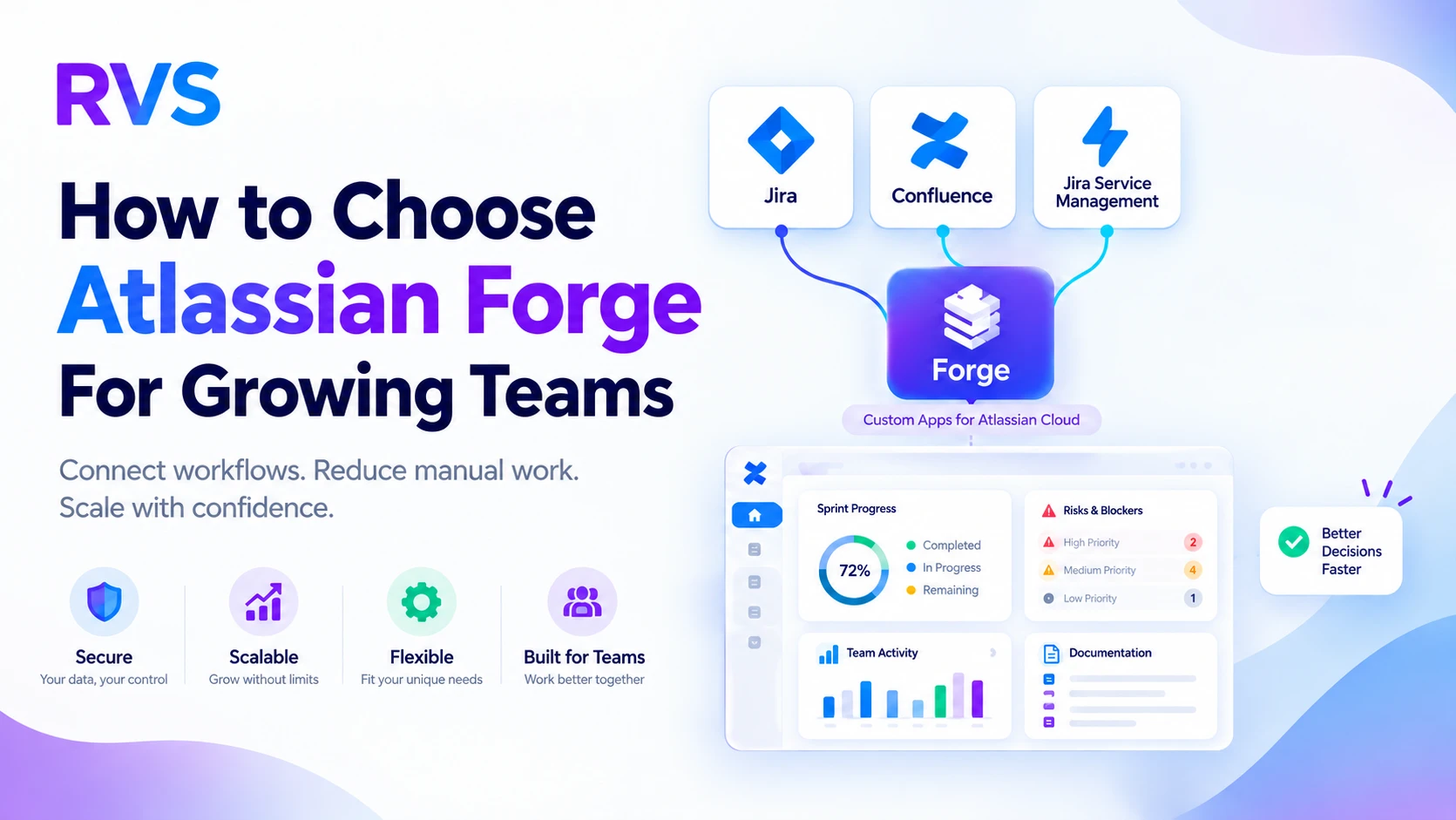
How Distributed Teams Streamline Jira Workflows
Discover how Jira workflow optimization helps distributed teams standardize processes, reduce bottlenecks, and improve visibility across projects and time zones.
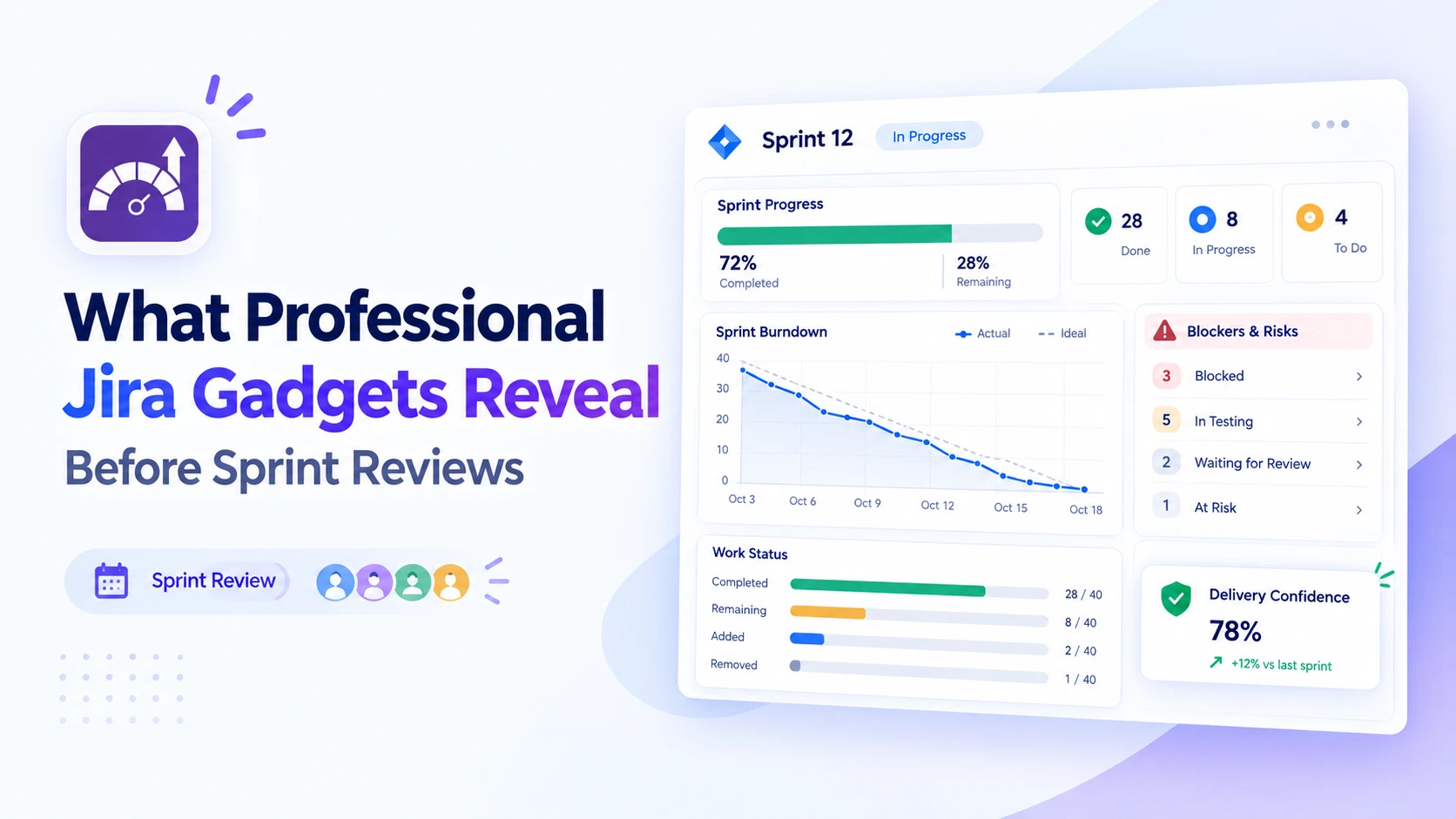
Prepare Better Sprint Reviews With Jira Insights
Discover how professional Jira gadgets surface sprint progress, blockers and delivery trends, helping teams arrive at reviews with clearer, actionable insights.
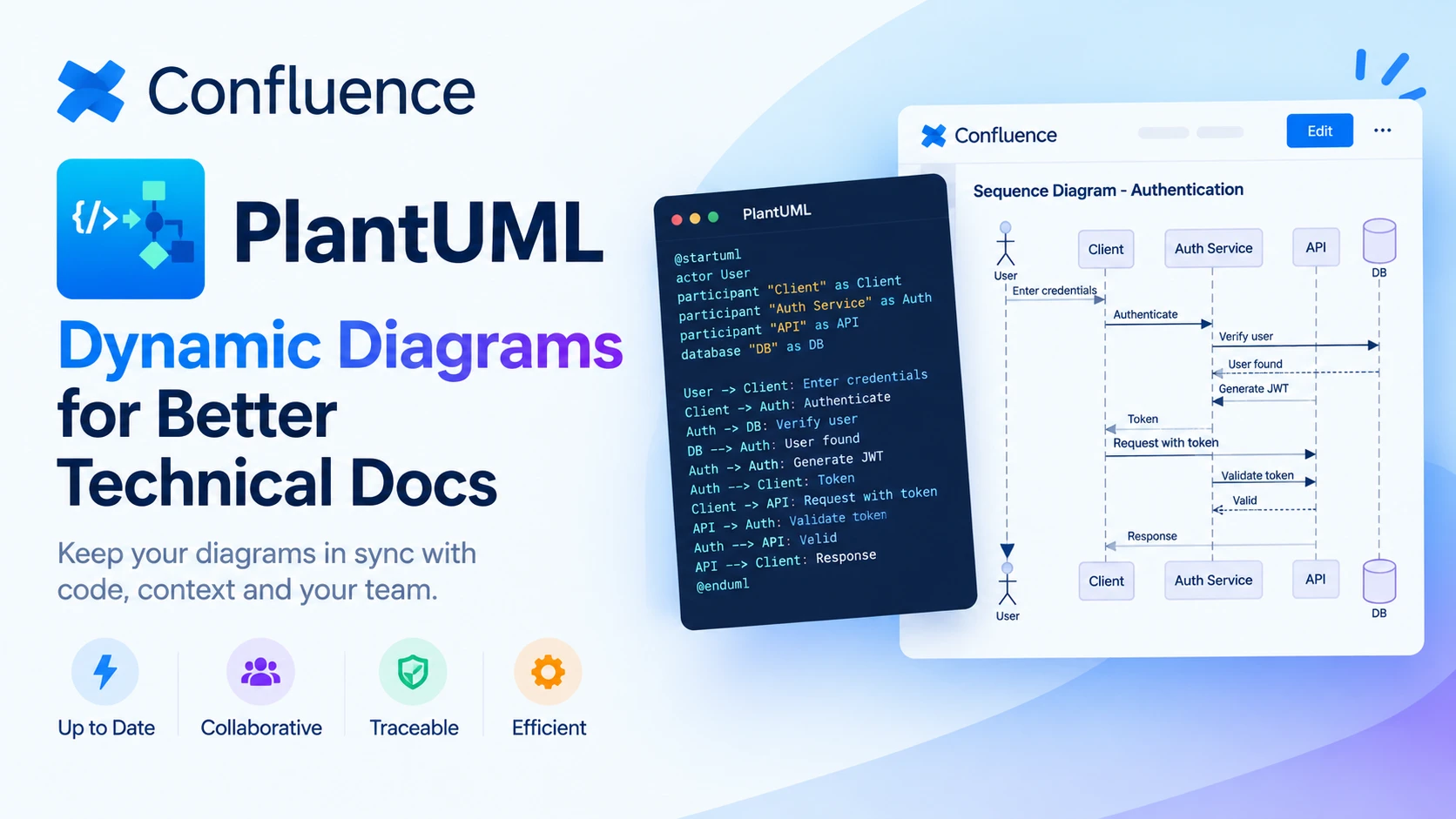
Choosing Dynamic Diagrams for Better Technical Docs
Explore how PlantUML Confluence integration compares with static diagrams, helping technical teams keep documentation accurate, visual and easy to update.
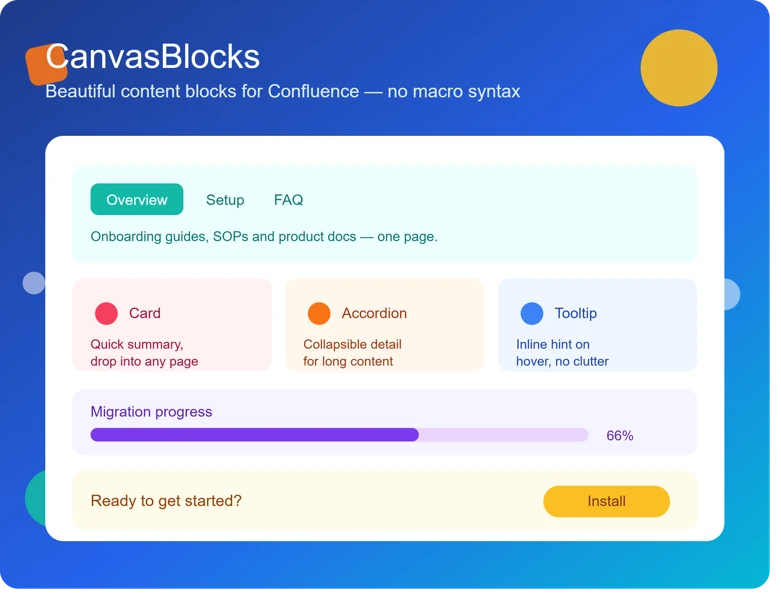
5 Signs Your Confluence Content Needs Formatting Upgrades
Discover the warning signs that signal your team needs Confluence page formatting apps to create clearer, more consistent, and engaging documentation.
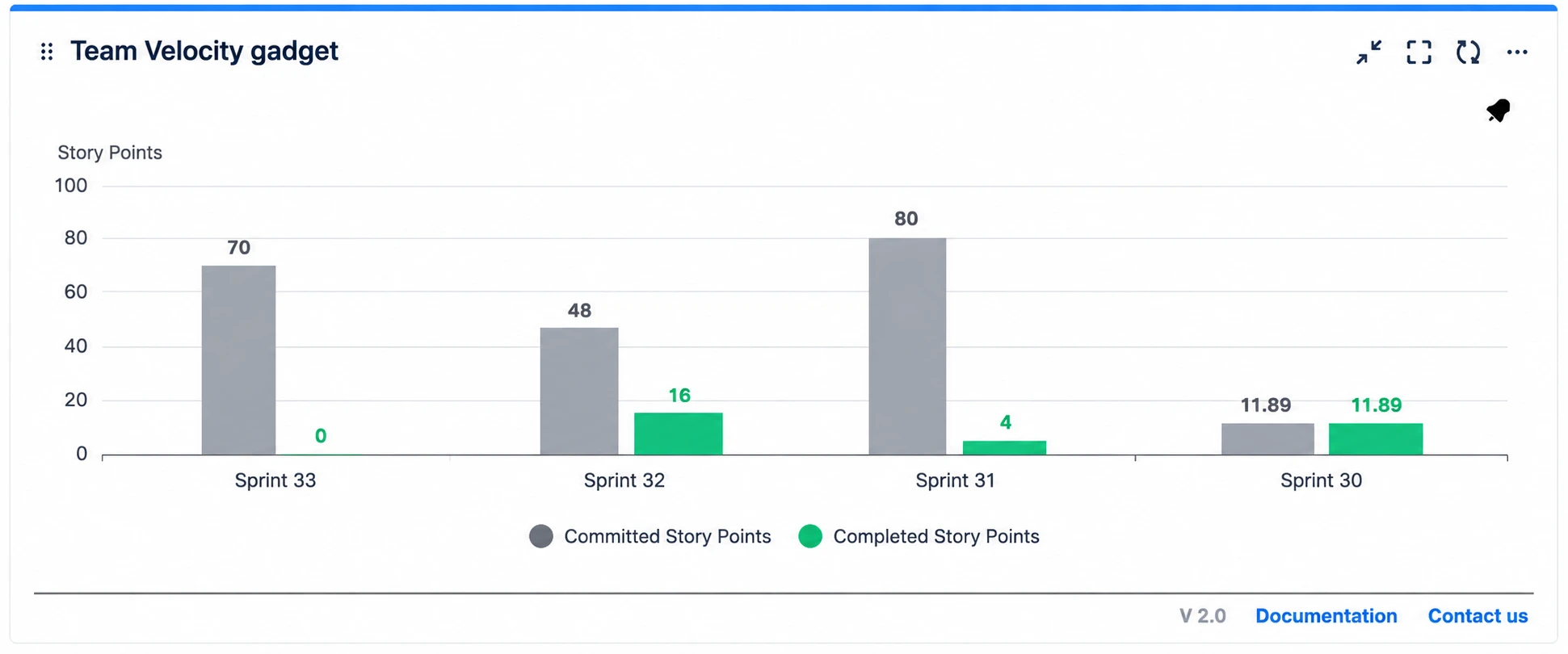
Sprint Reviews: Jira Dashboards or Spreadsheets?
Compare Jira reporting dashboard tools with spreadsheets for sprint reviews. See which option gives agile teams clearer, faster insights and better decisions.
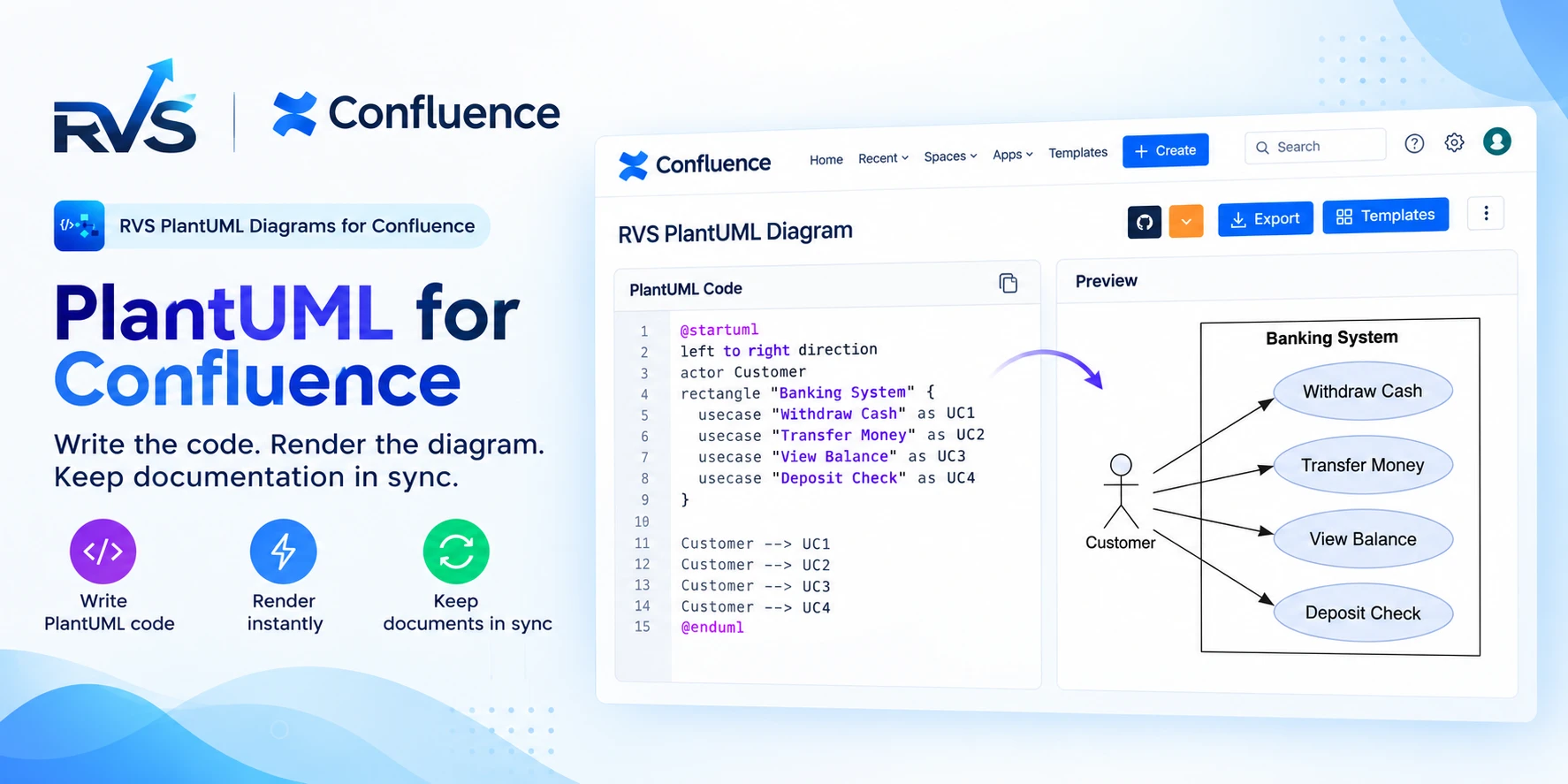
PlantUML for Confluence: RVS vs Stratus
Compare RVS and Stratus PlantUML apps for Confluence: Git integrations, templates, diagram types, Cloud vs Data Center support, and migration.
Also on this page
2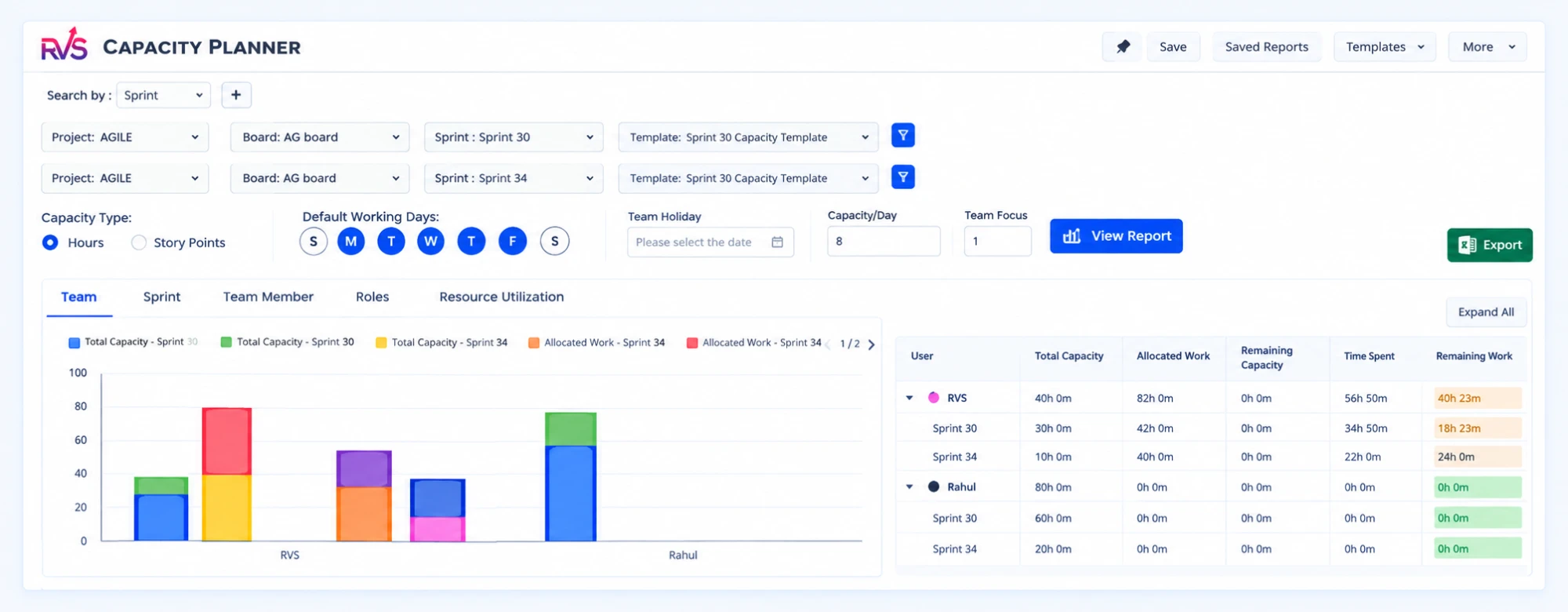
What we write about
We write for the admins, scrum masters and team leads who run Jira, Confluence and monday.com every day. These are the areas we cover, and the problems each one is meant to help you solve. Use the filters above to jump straight to the posts in a topic.
Time Tracking
How long work actually takes, and where it waits. Time in Status, cycle time and flow metrics in Jira, what native JQL can and cannot tell you about them, and how to turn status history into numbers a team can act on. It also covers how teams on monday.com track time and cycle time, and how to compare those numbers across boards. If you need numbers for a retrospective or an SLA review, this is the place to start.
Reports
Turning Jira data into reports people read. Dashboards and gadgets, exporting epics, sprints and custom fields to Excel, and choosing the few charts that answer a stakeholder's question instead of burying it. It also covers sharing reports with stakeholders who never open Jira, from scheduled exports to dashboards embedded in Confluence. The goal is a report someone can read in a minute and act on, not a wall of numbers. We also look at which gadgets suit which audience, from team leads to executives.
Agile
Planning and running sprints with real data. Velocity and sprint status, capacity planning across teams and sprints, and spotting overloaded assignees before a sprint starts rather than halfway through it. The focus is on the numbers behind sprint planning — commitment, completion and carry-over — and on keeping them honest over time. The goal is a plan the team believes in, not a spreadsheet that is out of date by day two.
Confluence
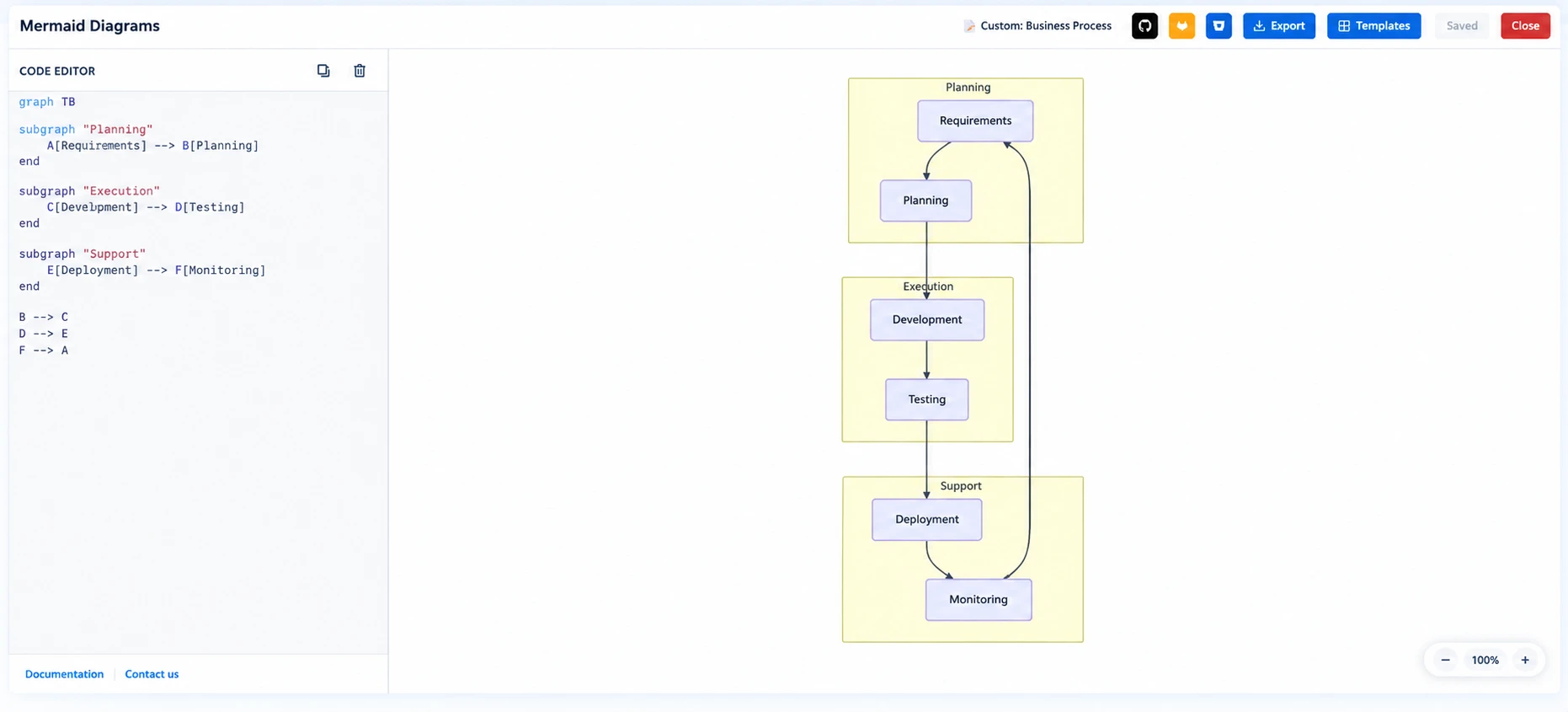
Documentation that stays useful. Diagrams as code with PlantUML and Mermaid, API docs from Swagger and OpenAPI, LaTeX equations, richer tables and page formatting, and exporting Confluence pages to Markdown. The aim is documentation that stays current because it lives next to the work, instead of in slides and screenshots that go stale. Most of it applies whether your team writes a few pages a month or maintains a large knowledge base.
Automation
Letting Jira do the repetitive work. JQL that finds the issues that need attention, rules and filters that keep data clean, and moving from manual audits to checks that run on their own. The emphasis is on practical queries and rules you can adapt to your own instance, and on the edge cases that make automated checks misleading. Start with the queries, then automate: a rule is only as good as the JQL that decides what it touches.
Productivity
Small changes that give teams time back — cleaner boards, better filters, fewer context switches between tools, and workflows in Jira, Confluence and monday.com that match how people actually work. Most of it needs no new tool — just more deliberate use of the features your team already has. Small habits, like naming conventions and shared filters, add up quickly across a team. Pick one change at a time and measure the difference before moving to the next.
Guides
Step-by-step walkthroughs for admins and team leads. Complete JQL references with worked examples, setting up SLAs, structured instance audits and planning guides you can follow from start to finish. Each one explains the reasoning behind every step, so you can adapt it to your own setup rather than copy it blindly. Where a step depends on your plan or hosting, the guide says so. Bookmark the ones you use most; they are written to be read alongside Jira, not instead of it.
Where to start
Not sure which guide to open first? Pick the situation closest to yours — each path points to the guides that answer it, in the order we would read them. Every guide stands on its own, so you can also jump straight to the one you need. Each one links to related reading at the end.
New to JQL
Start with the complete guide to JQL: syntax, common fields, operators, functions and saved filters, explained from the ground up. Then keep the 21 JQL examples open while you work — 15 everyday queries and 6 advanced ones, plus how to use them in Jira automation. Both guides use real Jira field names and operators, so you can paste a query into issue search and adjust it from there. Save the queries you reuse as filters.
Running a service desk
The SLA guide covers setting up, monitoring and automating SLAs in Jira, the mistakes that make SLA numbers misleading, and the tools that help a team stay compliant without living in spreadsheets. Read it before you configure SLA goals, so the targets you set are ones your team can actually measure and meet. Revisit it when you add a new request type or change working hours.
Planning sprints and people
The capacity planning guide shows how to manage team availability, allocate work across sprints and forecast demand in Jira, so deadlines stay realistic and nobody is quietly overloaded. It walks through the setup step by step, from templates and roles to utilization reports you can share with stakeholders. Run it before sprint planning, not after. It works for a single team and for several teams sharing people. The same approach scales from one project to a whole portfolio.
Cleaning up an instance
When a Jira instance looks fine but the numbers no longer add up, the admin rescue kit uses JQL as a diagnostic tool — five phases to audit structure, validate hierarchies, fix data decay and automate the checks. The later phases turn one-off checks into automation, so the clean-up doesn't have to be repeated by hand. It is written for Jira admins, but team leads will recognise the symptoms it starts from. Even an hour on the first phase is worth it.
Missing a topic you need? Tell us what you are trying to solve in Jira, Confluence or monday.com, and which guide would have saved you the most time.
Suggest a topicFind the RVS Softek app your team needs
Browse the catalogue for Jira, Confluence and monday.com — or install straight from the Atlassian Marketplace and start a free trial in minutes.
- Free trial on every paid app
- Runs on Atlassian
- Support in one business day

16 apps · 2,010+ installs · Runs on Atlassian